Everyone on the same page.
Invite your team, give each person exactly the access their job needs, and run one branch or several from one place.
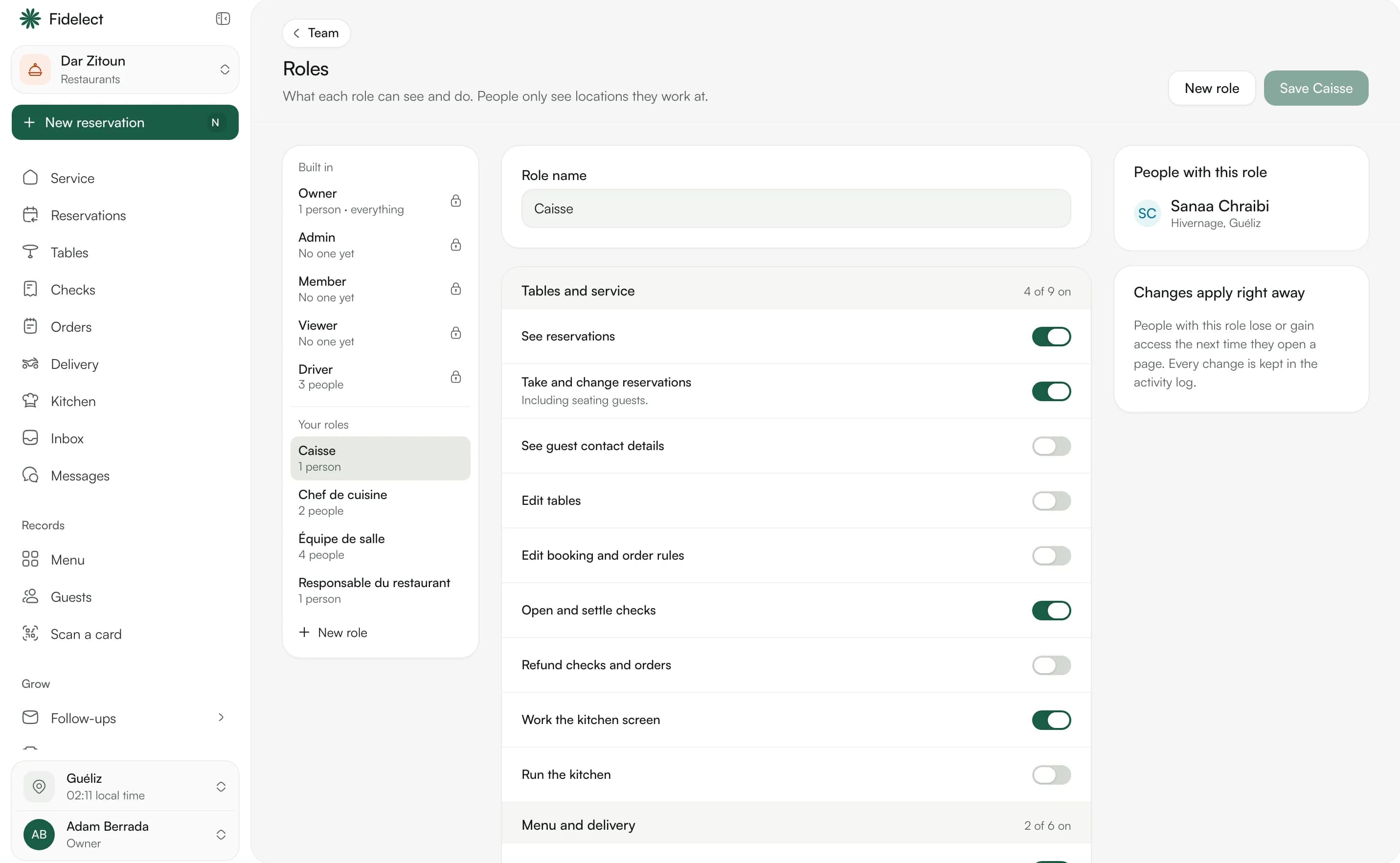
Up and running in an afternoon.
Four steps, no consultant, no training day.
Invite your team
Each person signs in with their own account, on any device.
Give everyone a role
Start from a built-in role or make your own, with exactly the permissions it needs.
Add your locations
Each branch with its own hours, time zone and team.
Work together
Team chat for the day's details, with photos and voice notes.
Access that fits each job
Permissions for the calendar, checkout, clients, loyalty and settings, set per role and per location.
One branch or many
Switch between branches in a click, with stock, calendars and results by branch or all together.
Team chat
Direct messages and groups between staff, about a booking or a client when it helps.
 Team · Maârif
The details that make the difference.
Working hours
Each person's hours and days off, so clients only see times that are really free.
Activity log
Who did what, and when, for payments, corrections and permissions.
Two-step sign-in
Protect accounts with a second step when signing in.
Their own language
Each person uses Fidelect in English, French or Arabic.
Any device
A computer at the desk, a tablet on the floor or a phone in the workshop.
Local time
Every branch keeps its own time zone, for bookings, receipts and results.
Shaped by your trade.
The same tool, with the words and screens of your business.
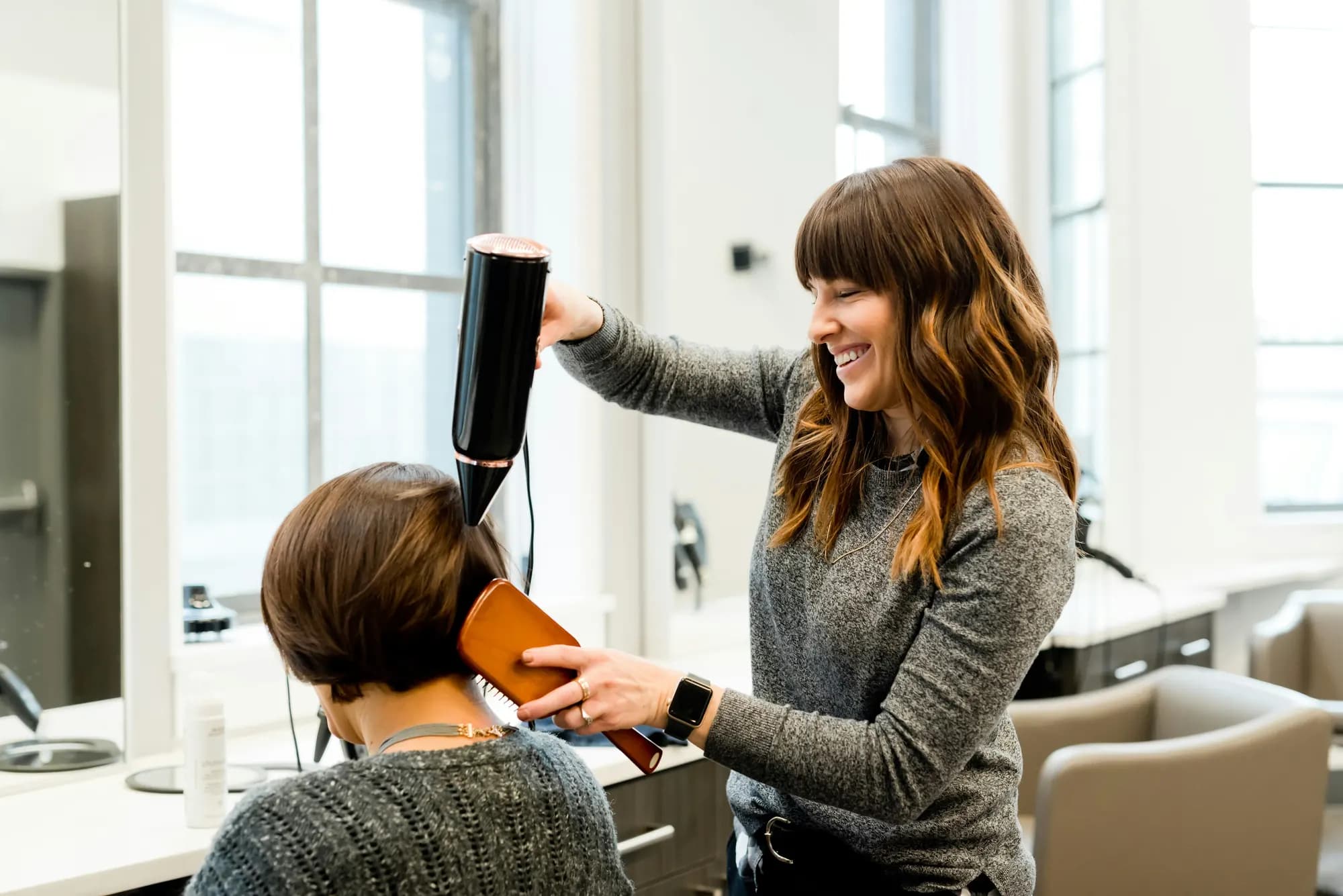
Salons and spas
Stylists, reception and a salon manager, each with the access they need.

Restaurants and cafés
Floor, kitchen and delivery drivers, each seeing their part of the service.

Shops and boutiques
Sales staff and stock managers across your shops.

Gyms and studios
Front desk, coaches and managers, with attendance corrections kept to the right people.
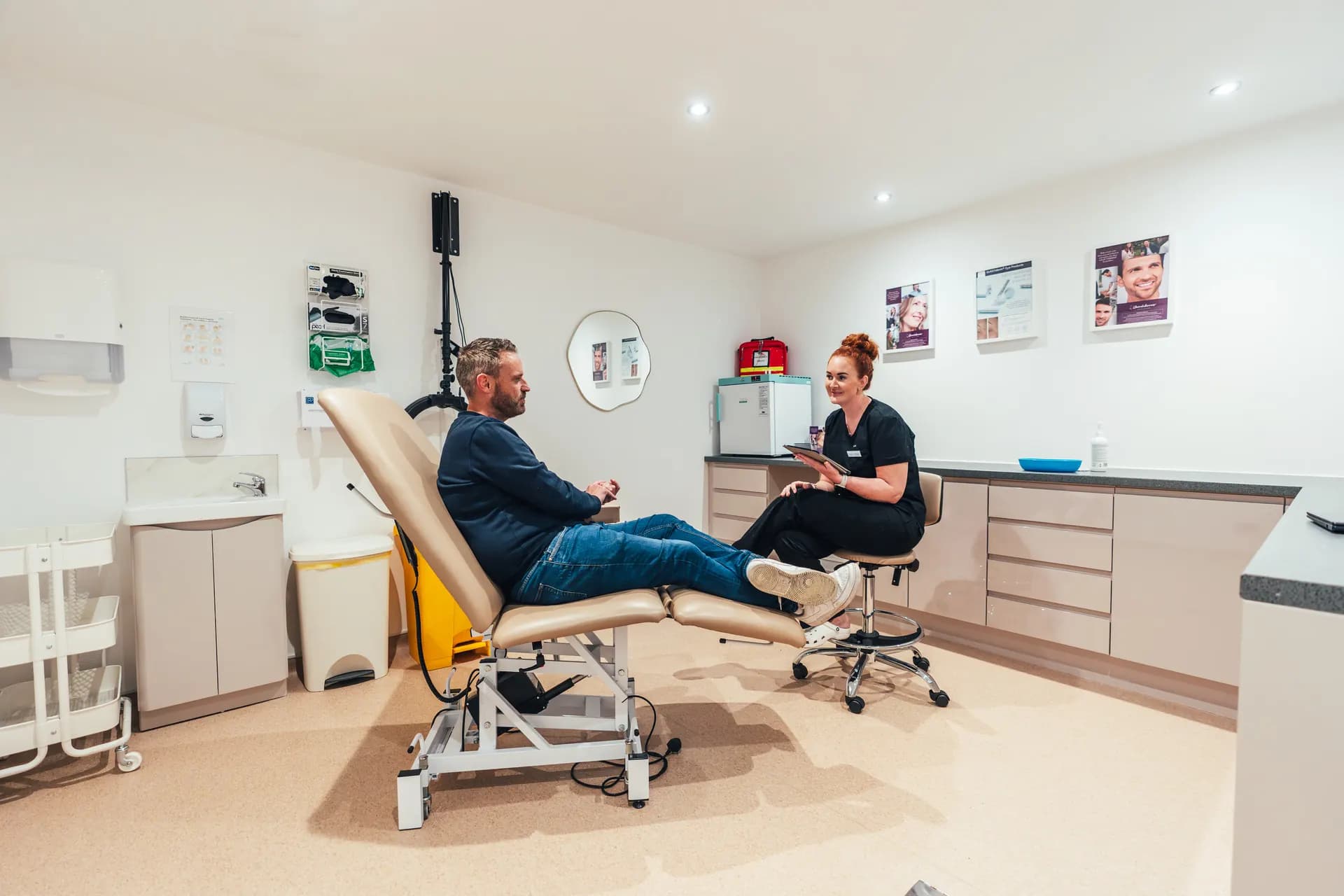
Clinics and practices
Practitioners and reception, with patient details limited by role.

Garages and workshops
Service advisers and technicians, each with their jobs on the workshop board.
Questions, answered.
See pricingTry Team and locations with your own business.
Create your business, choose your business type and see it with your own services, team and hours.